Old jobs look new
A repost or a paid boost can push an old listing back to the top. The date you see may say when the post was refreshed, not when the job opened.
Jobly lists openings from company career pages with their real posting date, hides anything older than two months, and tells you when a new one matches. No account. Your preferences stay in your browser.
Free · No account · Works in Chrome
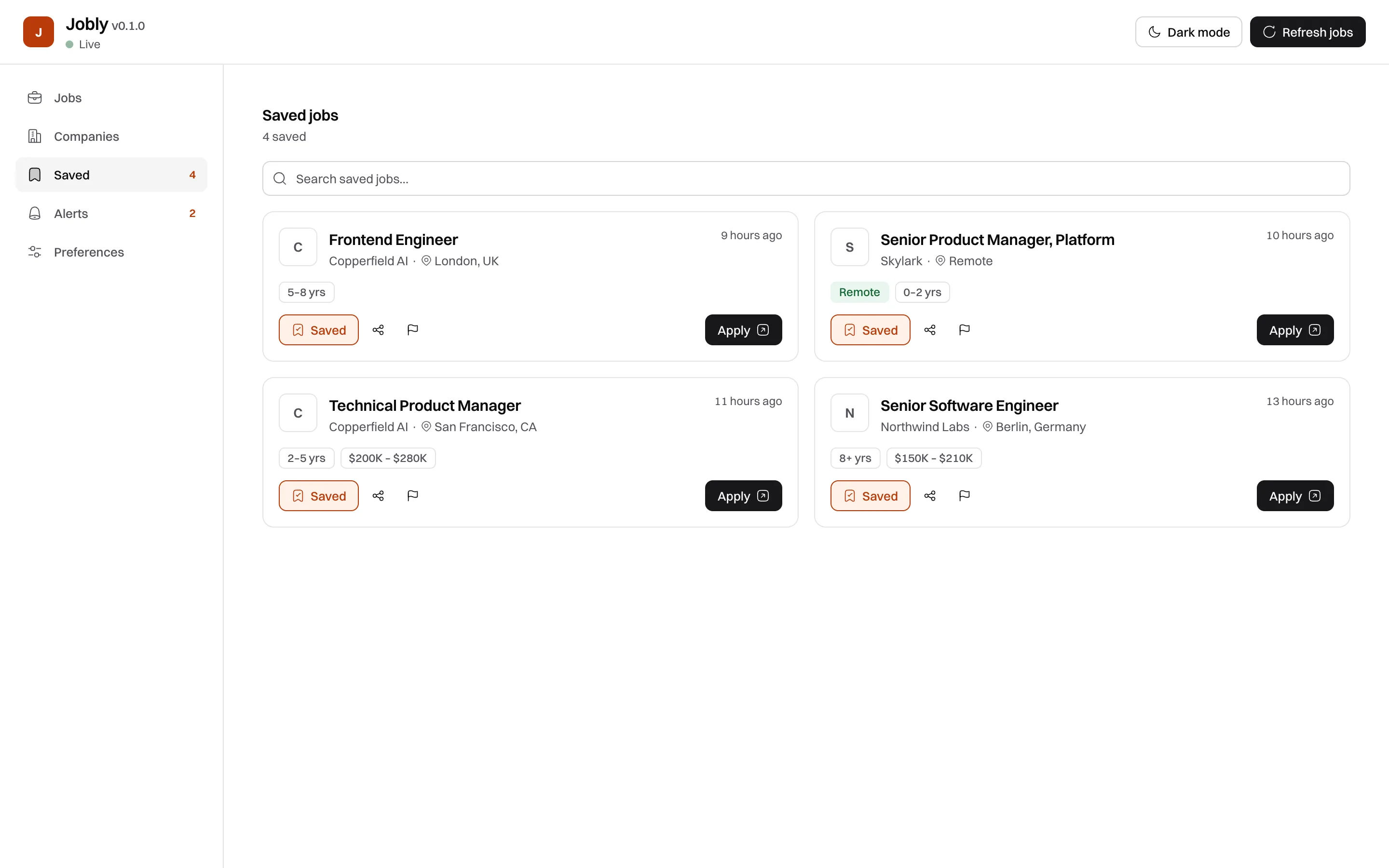
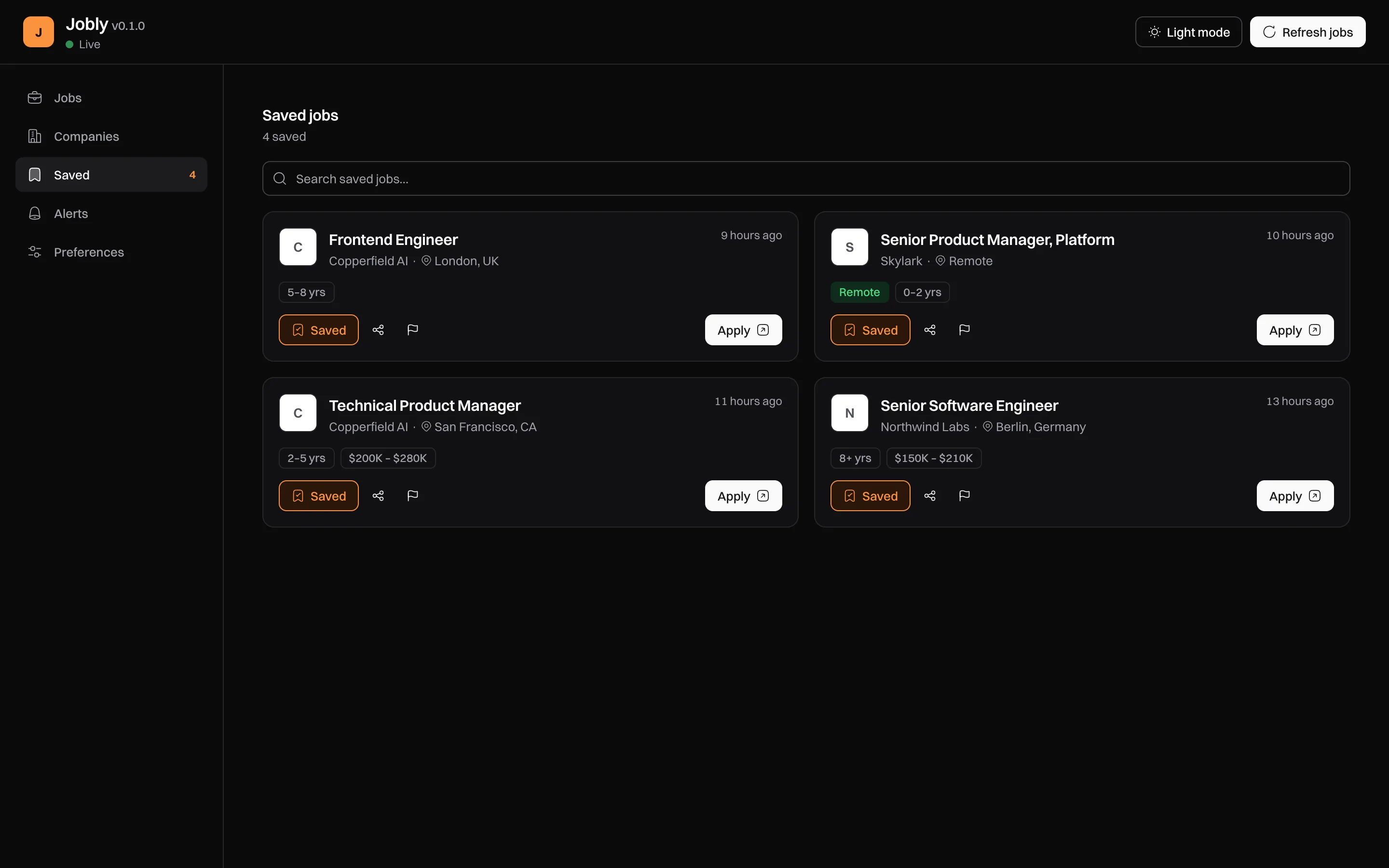
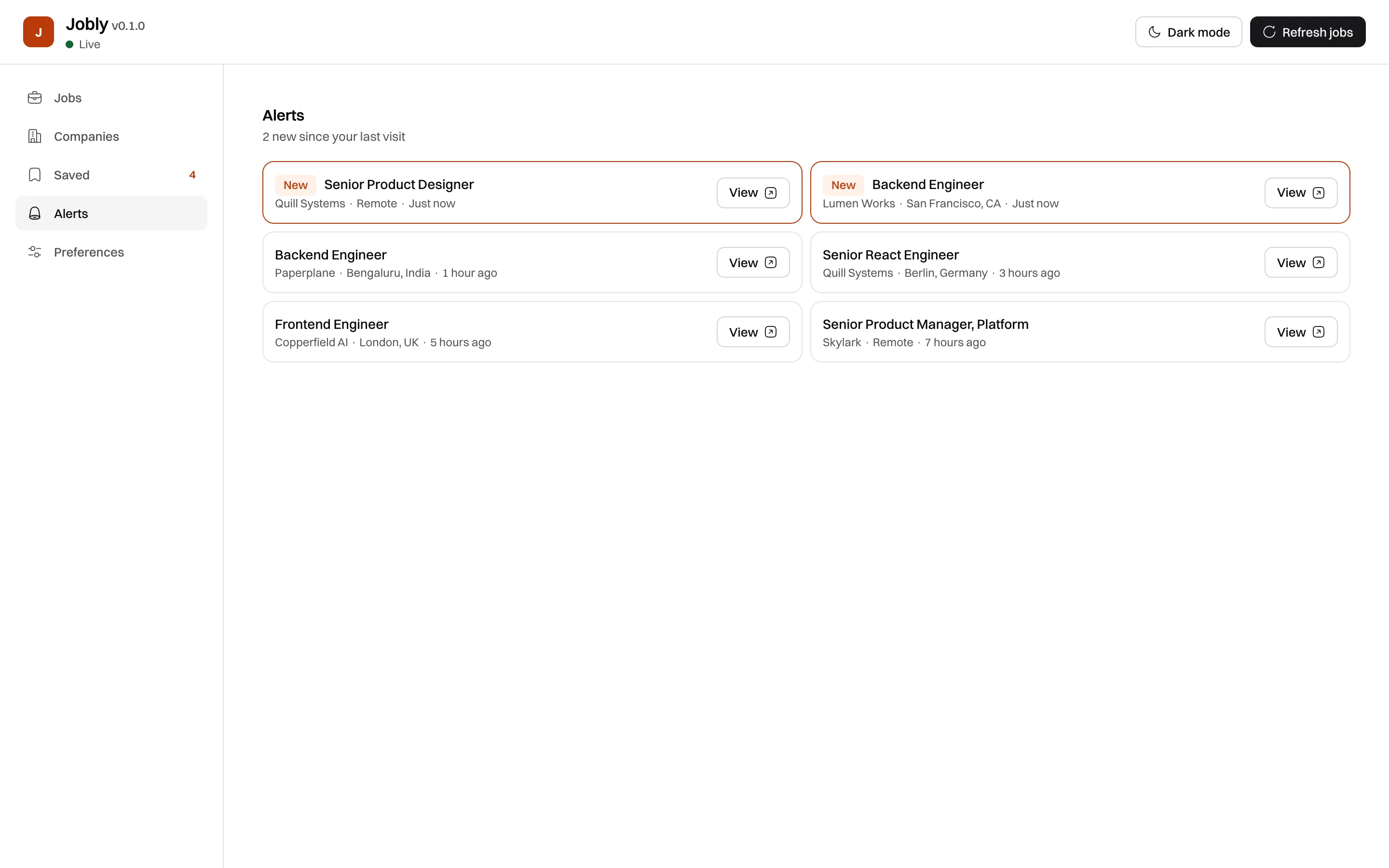
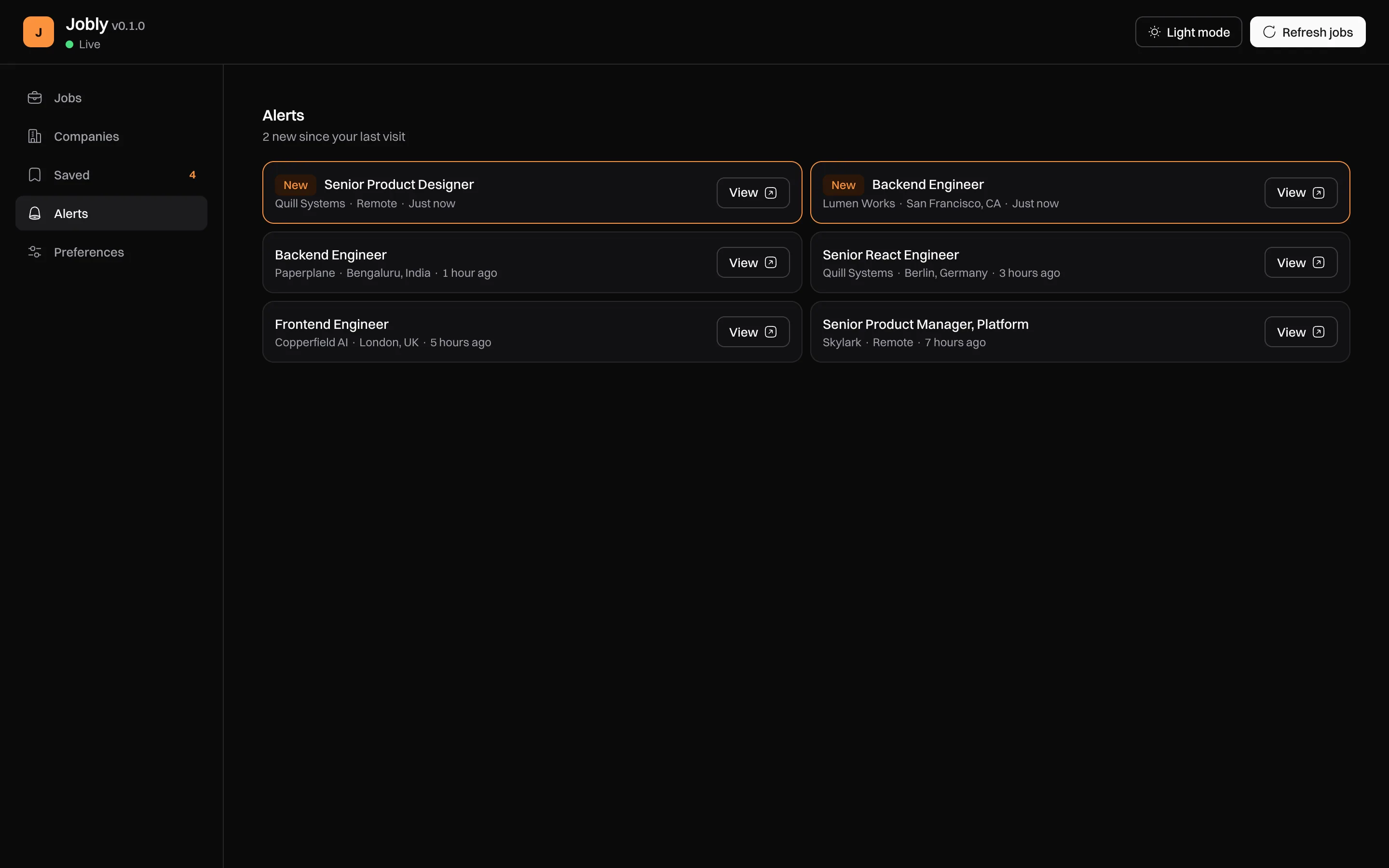
You find a role that looks new, apply, and never hear back. Sometimes the job was filled weeks before you saw it.
A repost or a paid boost can push an old listing back to the top. The date you see may say when the post was refreshed, not when the job opened.
Many companies post roles on their own career pages. Checking them one by one eats your morning.
Daily digests mix in promoted jobs and loose matches, so the good ones get lost between them.
The fixJobly reads the career pages for you, keeps only recent jobs, and tells you when one fits.
Everything below works the moment you install it. None of it needs an account.
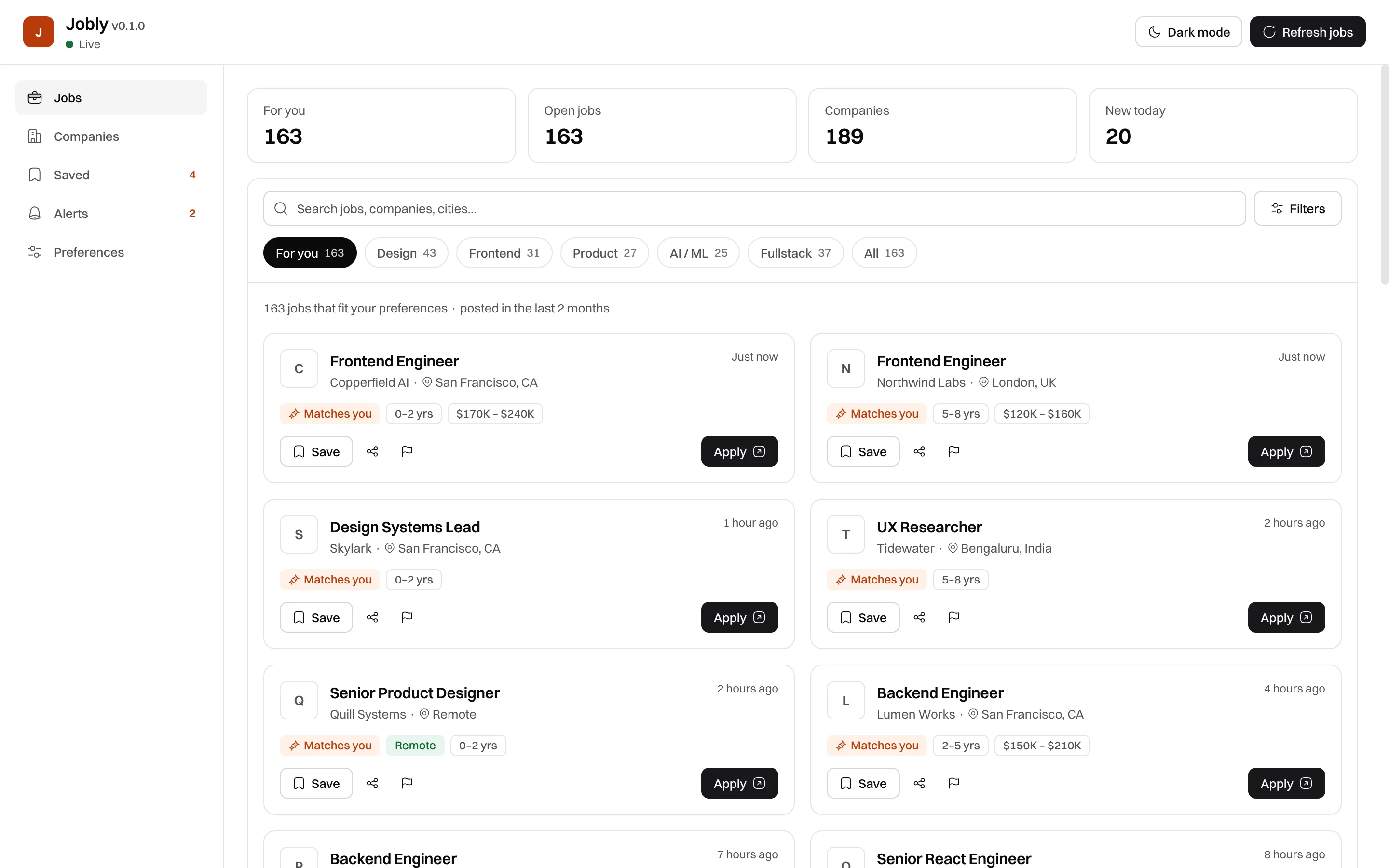
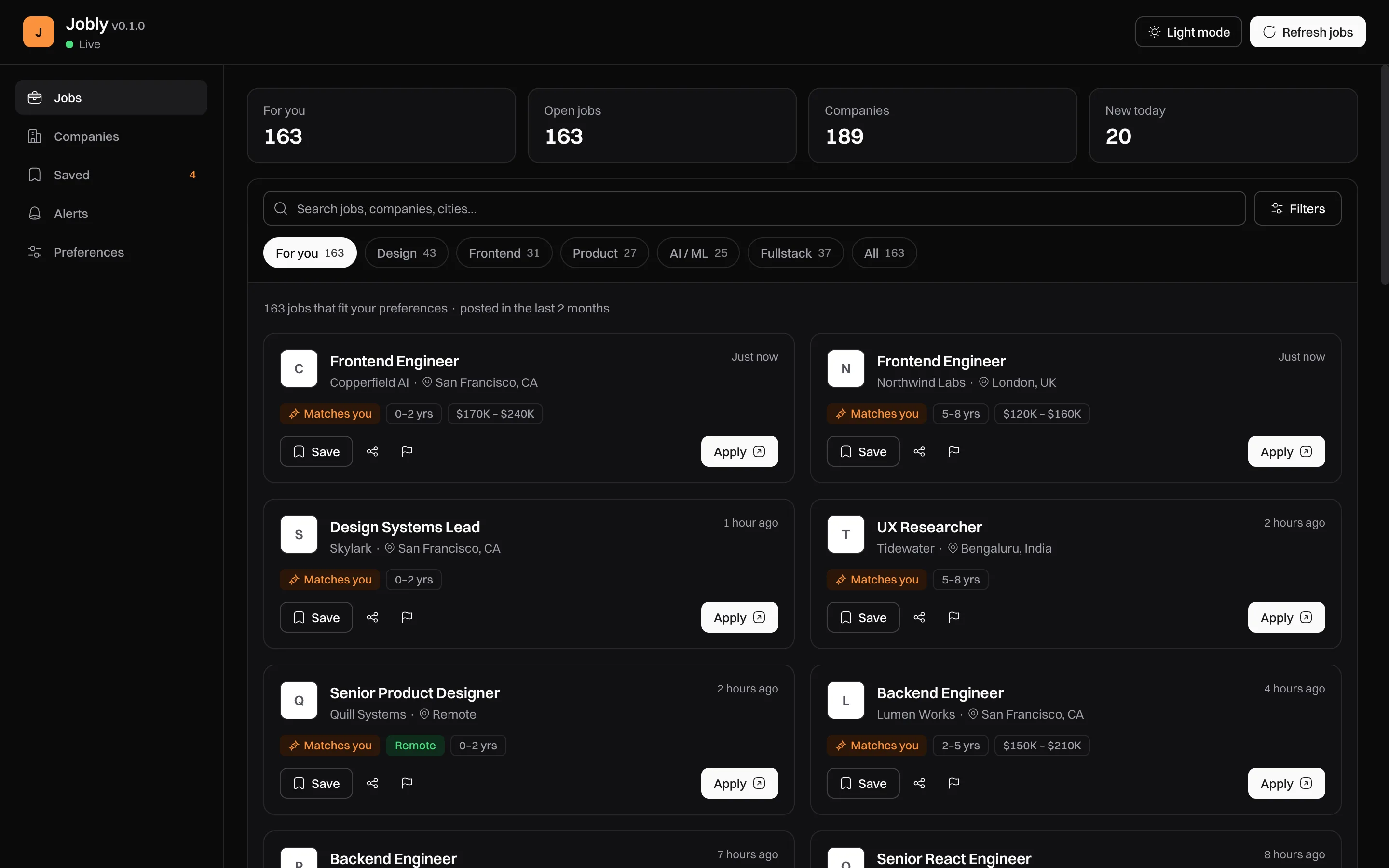
Every card shows when the employer posted the job. Jobly reads the date from the listing itself, and anything older than 60 days drops off your list.
Jobly checks for new matches every hour or so and sends one grouped notification. Turn it off any time.
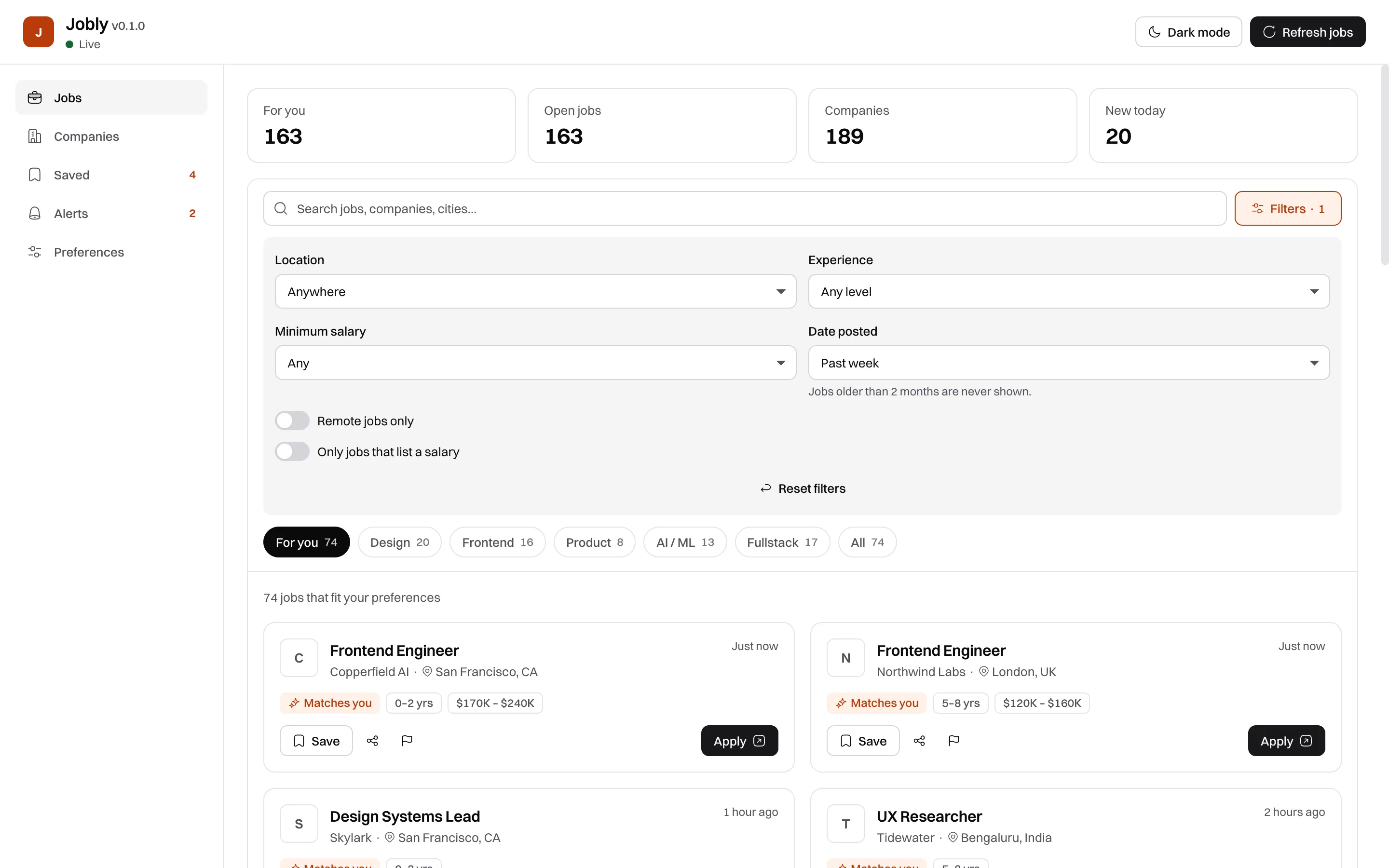
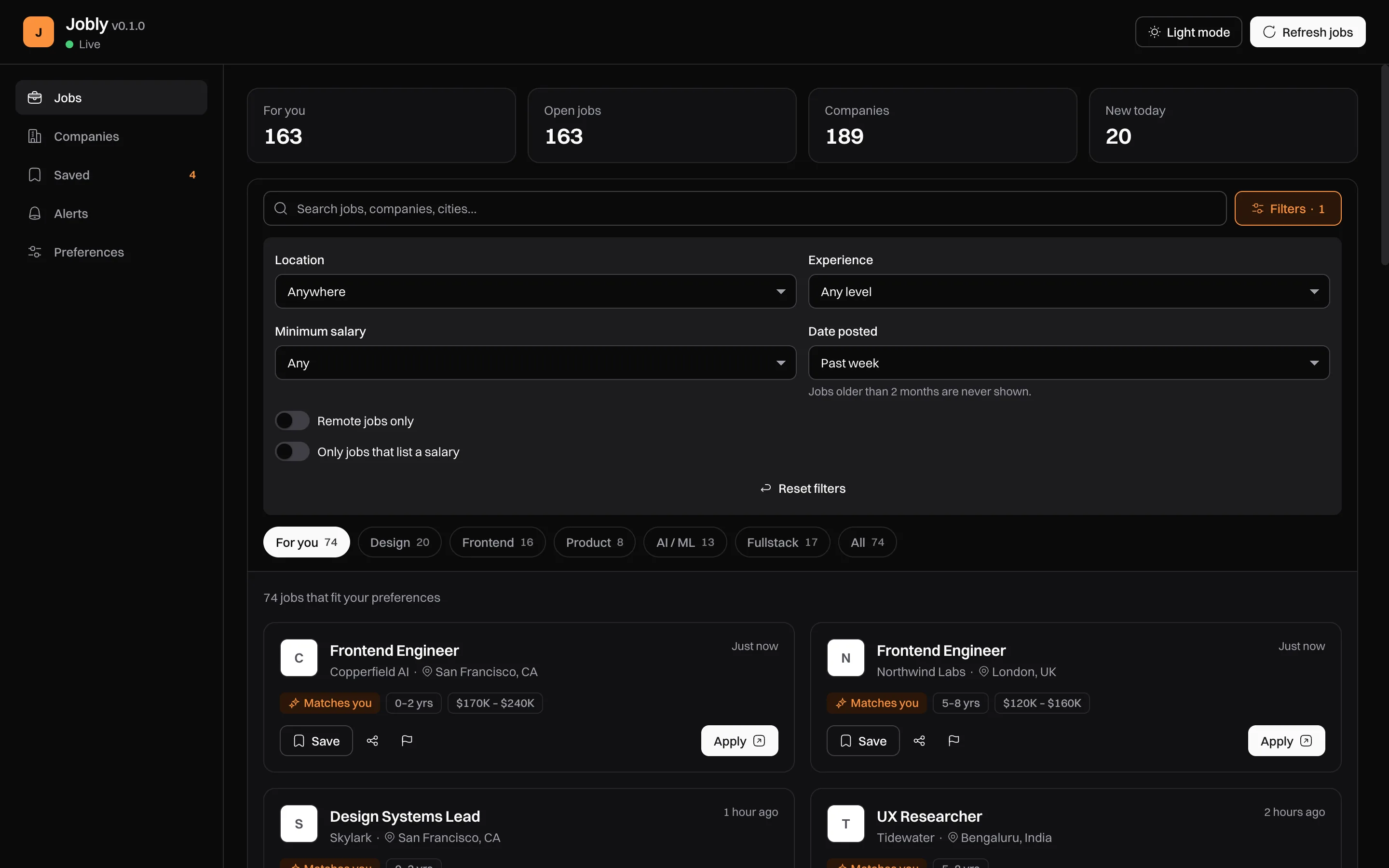
Date posted, experience, salary, location and remote, like the filters on LinkedIn.
Pick your roles and level once. Jobs that fit get a “Matches you” badge and land in your For you tab.
Save a job in one click. Jobly keeps a copy on your device, so it stays on your list after the posting comes down.
Apply opens the original listing, almost always the company’s own careers page. Jobly never stands between you and the application.
Details that make a daily habit pleasant.
Step 1
Add Jobly to Chrome. It’s free and needs no sign-up.
Step 2
Pick the roles you want, your experience level and where you want to work. Change it any time.
Step 3
Open the toolbar icon to see your matches, newest first. Jobly lets you know when a new one appears.
Behind the scenes: every two hours Jobly’s server reads the career pages of hundreds of companies and three remote job boards, checks each posting date and drops anything older than 60 days. Your preferences stay in your browser and travel with each request only to pick your matches; the server doesn’t keep them.
Jobly does the checking, so the hours you give your job search go into applications.
Every dot is a place employers are hiring right now. Bigger clusters, more open jobs. Hover or tap one to see who.
LinkedIn and Indeed list far more jobs than Jobly. Jobly does one thing: recent tech jobs straight from the source, without an account.
| Feature | Jobly | LinkedIn Jobs | Indeed | Career pages, by hand |
|---|---|---|---|---|
| Shows when the job was first posted | Yes. From the employer’s listing | Partly. Can show a repost date | Partly. Older jobs say “30+ days” | Partly. Varies by company |
| Hides old listings automatically | Yes. Older than 60 days | No. Filter by date yourself | No. Filter by date yourself | No. No |
| No paid or promoted listings | Yes. None | No. “Promoted” jobs | No. “Sponsored” jobs | Yes. None |
| Job alerts without an account | Yes. No sign-up | No. Account needed | No. Account needed | No. No alerts |
| Apply on the employer’s own site | Yes. Nearly always; some via a job board | Partly. Easy Apply or employer site | Partly. Indeed Apply or employer site | Yes. Always |
| Jobs in every industry | No. Tech roles only | Yes. Millions of jobs | Yes. Millions of jobs | Partly. One company at a time |
| Free for job seekers | Yes. Free | Yes. Free; Premium is paid | Yes. Free | Yes. Free |
See every comparison, including Simplify and HiringCafe
Checked October 2026. Products change; tell us if something here is out of date. Sources: LinkedIn: reposting a job · LinkedIn: promoted job posts · Indeed: free vs sponsored jobs · Indeed: job alerts need an account
Short answers to what people ask before installing.
Jobly reads postings from company career pages and shows the date the employer posted them. It hides anything older than two months, shows no promoted jobs, and works without an account. LinkedIn and Indeed have far more jobs across every industry, plus things Jobly doesn’t do, like Easy Apply.
Yes. Jobly is free, has no premium tier and shows no ads.
Chrome on desktop. Chromium browsers that install extensions from the Chrome Web Store, such as Edge and Brave, should work too, but we test on Chrome.
Product design, frontend, product management, AI/ML and fullstack roles. Jobly reads the career pages of hundreds of companies in the US, Europe, Israel, India, Southeast Asia, Australia, Latin America and beyond (on Greenhouse, Ashby, Lever, Workable, SmartRecruiters, Recruitee, Teamtailor, Personio, Workday and Amazon), plus three remote job boards: We Work Remotely, Himalayas and Arbeitnow.
The server refreshes every two hours and drops anything older than 60 days or no longer listed by the employer. Your browser checks for new matches every 60 to 90 minutes.
Nothing in a database. Your preferences, saved jobs and alerts stay in your browser. Your search words and preferences go to the server with each request to pick matching jobs, and the server doesn’t keep them.
100+ tech jobs posted in the last 24 hours
Add Jobly to Chrome, pick your roles, and your first matches are waiting. It takes about a minute.